Two colours, one shape. The symbol is knocked out, so the background colour comes back inside the mark.


In white and in black
The logo can be used in white and in black, which makes it possible to place it on backgrounds of different colours. Whatever the background, it has to stay clearly legible. The symbol has a cut-out mark: the colour of the background comes back inside the symbol, so the whole thing reads as one shape rather than a badge stuck on top.
Clear space
Keep enough room around the logo. The minimum is 1× the height of the letters in “Whitevision”, on every side. Nothing — not type, not a photo edge, not another logo — comes inside that margin.
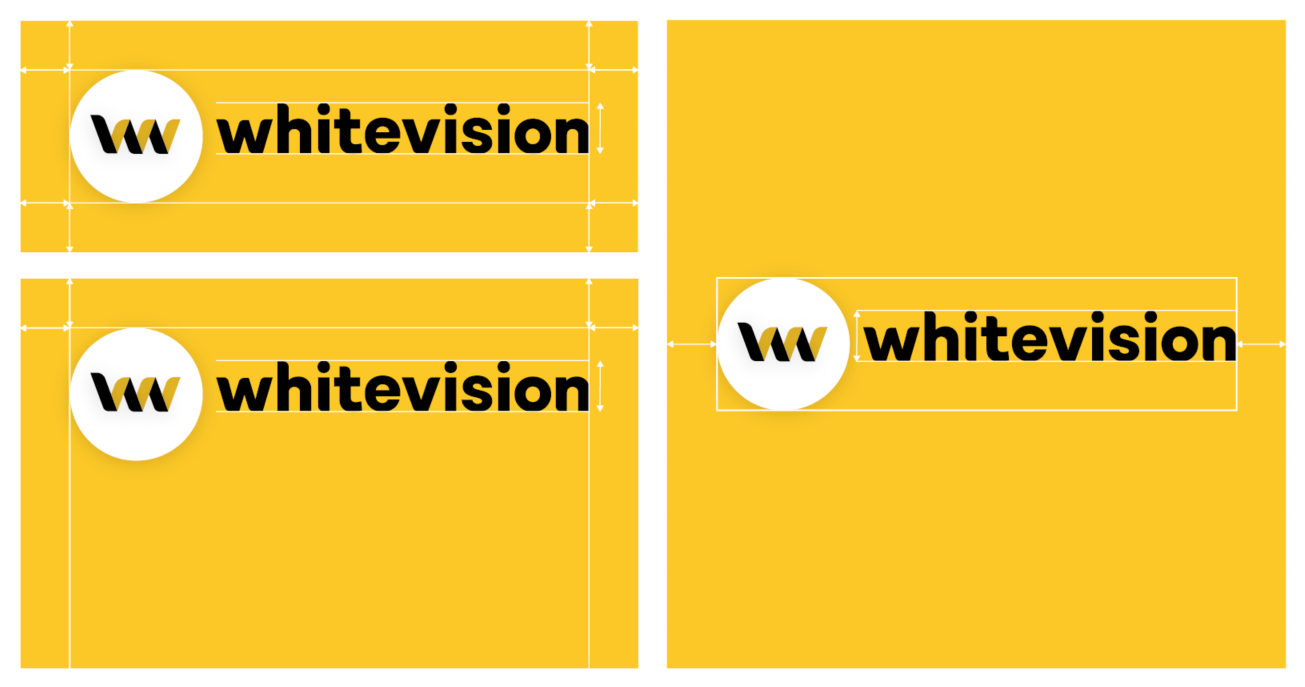
Where the logo sits
Horizontal, as a rule
We place the logo horizontally on a page or within a block.
Never the word mark on its own
The word mark may not be used without the symbol.
The symbol may stand alone
For a profile picture, an avatar or a favicon — and at the top of a slide. As the symbol becomes better known we will use it on its own more often.
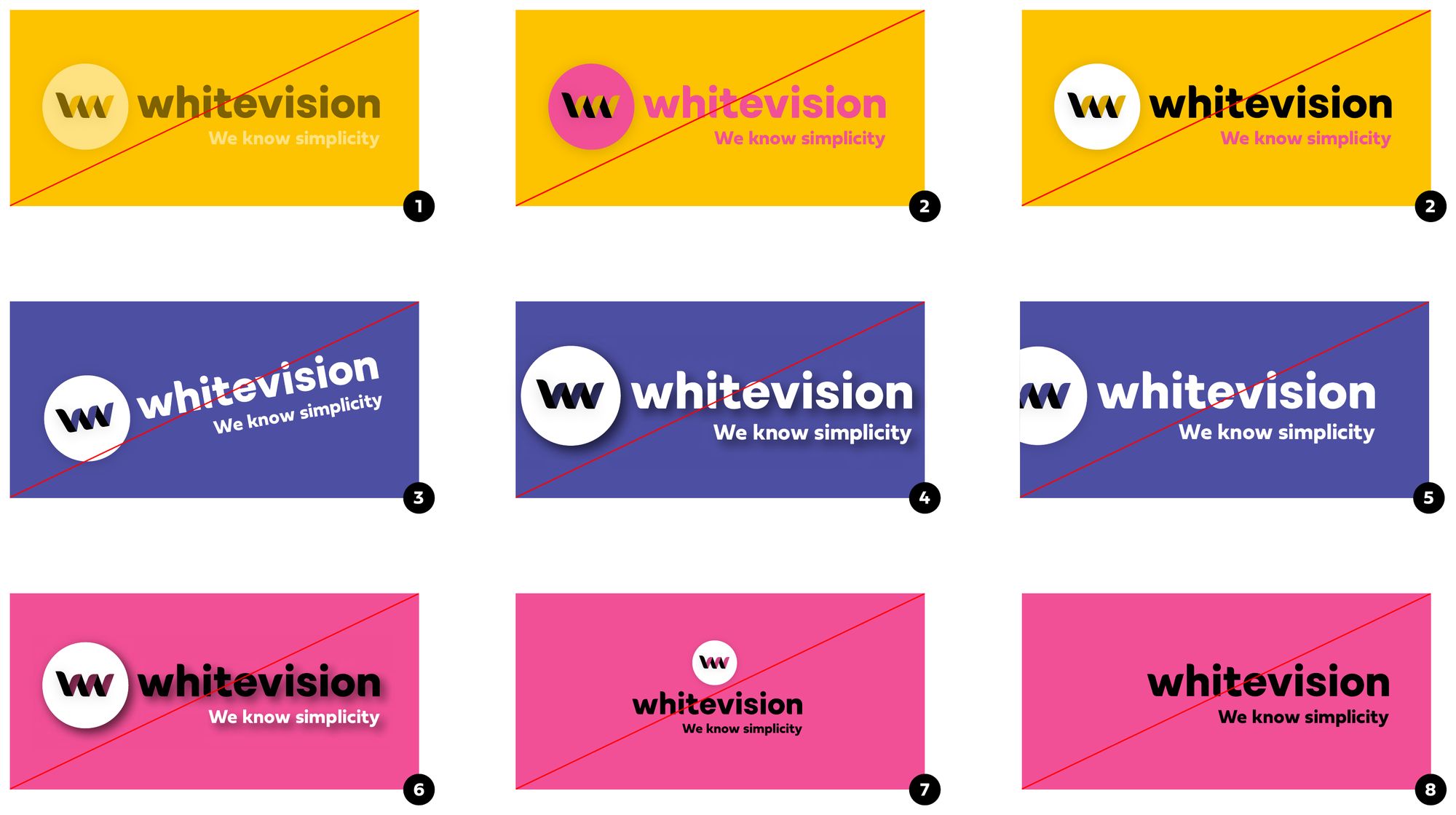
Never do this
No reduced opacity
The logo is always at full strength.
No recolouring
Neither the whole logo nor parts of it.
No rotation
The logo stays horizontal within a straight plane.
Not too tight in a frame
Keep at least 1× the height of the letters free on every side.
No cropping
The logo is never cut off by an edge.
No shadow
No effects of any kind.
No modification
Do not redraw, stretch or rebuild it.
Never the word mark alone
The word mark may not be used without the symbol.
SAM
Our own AI has a name of its own: SAM, Simply Automatic Magic. You will find SAM in hubl, at the bottom right of the interface. SAM is a mark in its own right and sits beside the Whitevision logo rather than replacing it — several variants are available for the different products and companies.
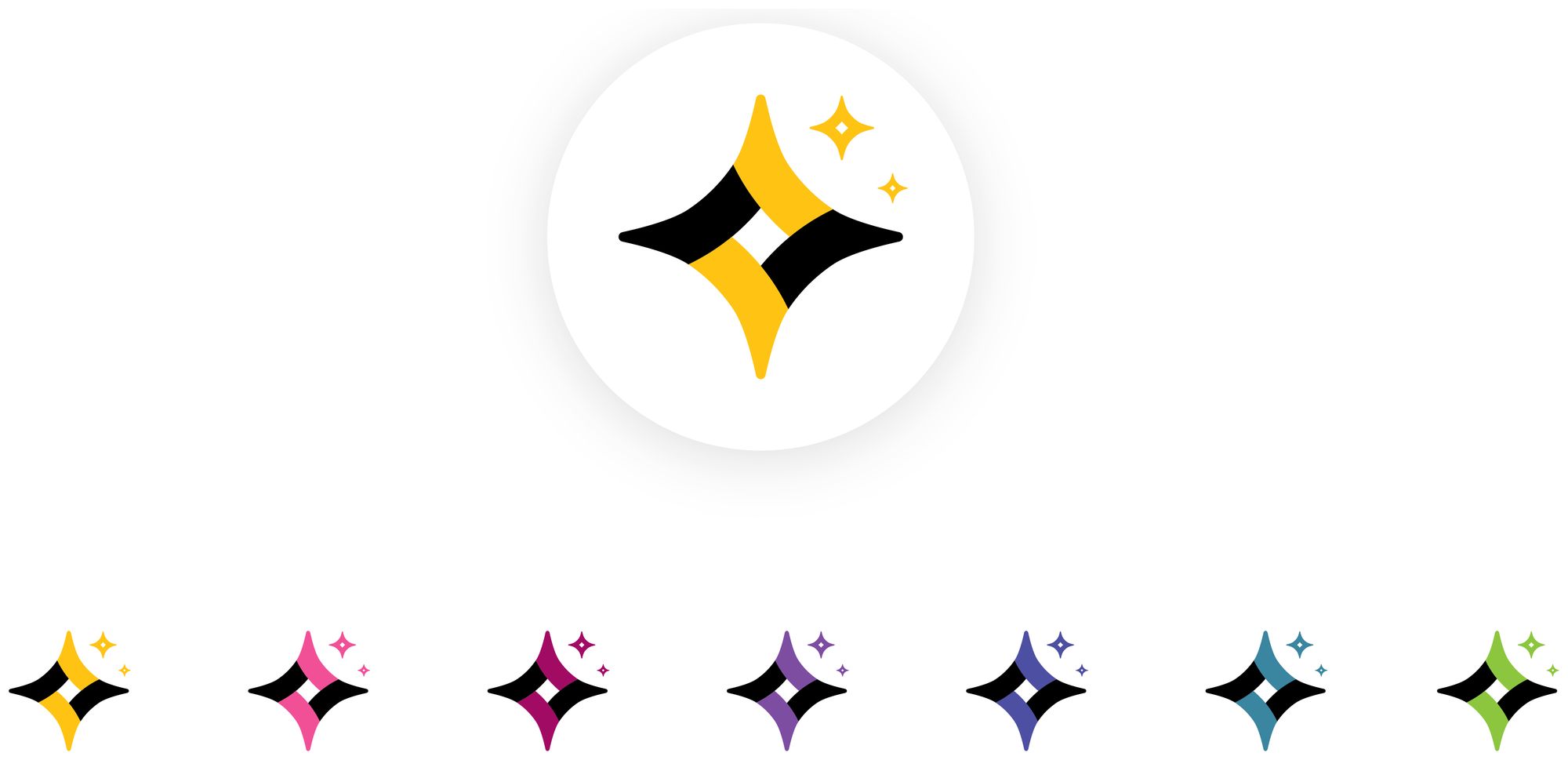
SAM has its own mark
Do not rebuild it out of the Whitevision symbol, and do not set the name in a different face.
Same restrictions as the logo
No recolouring, no rotation, no shadow, no stretching. Keep clear space around it.
One variant per surface
Pick the variant that belongs to the product or entity you are designing for and stay with it.
The SAM files are not in Downloads yet. Ask marketing for the current set before using it in customer-facing material.